Troubleshooting method
Do not reinstall before reading the symptom
When Odysseus AI is not working, a full reinstall is rarely the best first action. The first action should be to identify the symptom and inspect the layer where that symptom belongs: app process, Docker service, browser port, login output, model provider, or network exposure.
Localhost problems are process or port problems
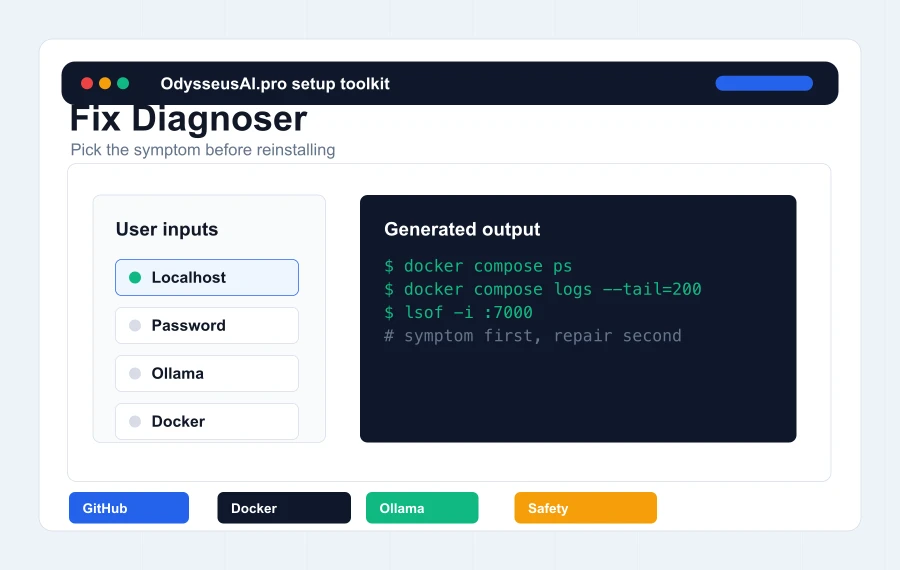
If localhost does not open, the app may not be running, the port may be wrong, a service may still be starting, or another application may own the port. Logs and process checks are better than guessing.
Login problems are often output problems
A visible login screen usually means the web app started. If the password is missing, check terminal output or Docker logs before resetting data or deleting containers.
Model problems are provider problems
If the UI works but no model responds, test Ollama or the API provider independently. Do not debug model setup as if the whole application failed.
Docker repair
Use compose state and logs as the first evidence
Docker makes repair easier when the user knows where to look. Container state says whether services are running; logs say what failed; environment files explain ports and endpoints. Use that evidence before editing values.
Check service state
Run docker compose ps from the cloned repository folder. If there is no compose file, the terminal is in the wrong directory. If a service is restarting, logs will usually explain why.
Check app logs
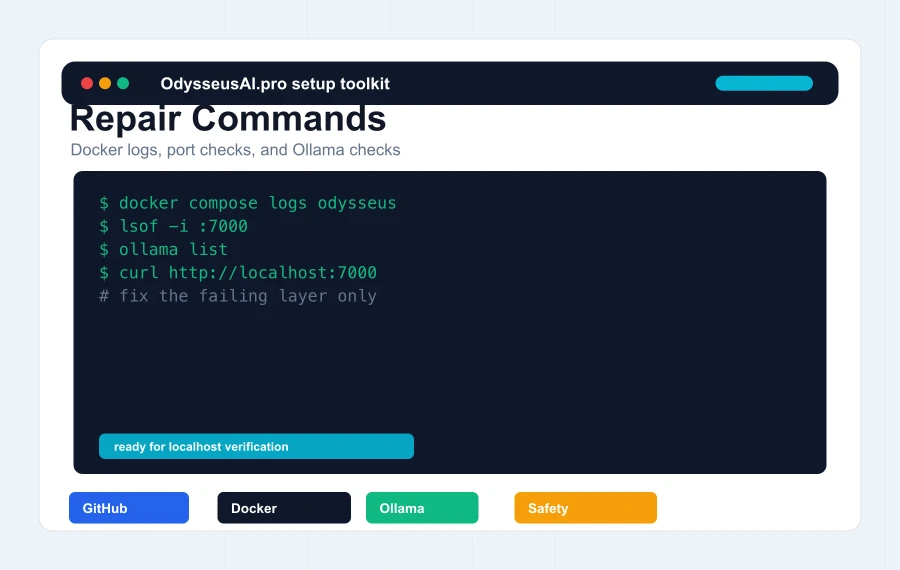
Run docker compose logs odysseus to find startup output, admin password messages, Python errors, provider warnings, or missing dependency messages. Do not paste full logs publicly without reviewing secrets first.
Recreate only after understanding why
Recreating containers can be useful after changing .env, but it should be a deliberate step. Blind cleanup can remove the evidence that would have explained the original failure.
Ollama repair
Fix local models separately from the workspace
Odysseus AI Ollama problems often happen after the app itself is already healthy. The model dropdown may be empty, the endpoint may be unreachable, a model may not be pulled, or the hardware may be too small for the selected model.
Verify Ollama outside Odysseus
Run ollama list and a simple model command before changing Odysseus settings. If Ollama itself is not serving a model, the workspace cannot use it.
Understand Docker networking
When Odysseus runs in Docker, localhost from inside a container may not mean the host machine. Use the endpoint pattern recommended by the official environment example and verify it against current documentation.
Start with smaller models
A model that is too large can look like a broken integration. Start with a small model, verify response behavior, then increase model size when the machine can handle it.
Safety repair
Fix exposure before adding sensitive data
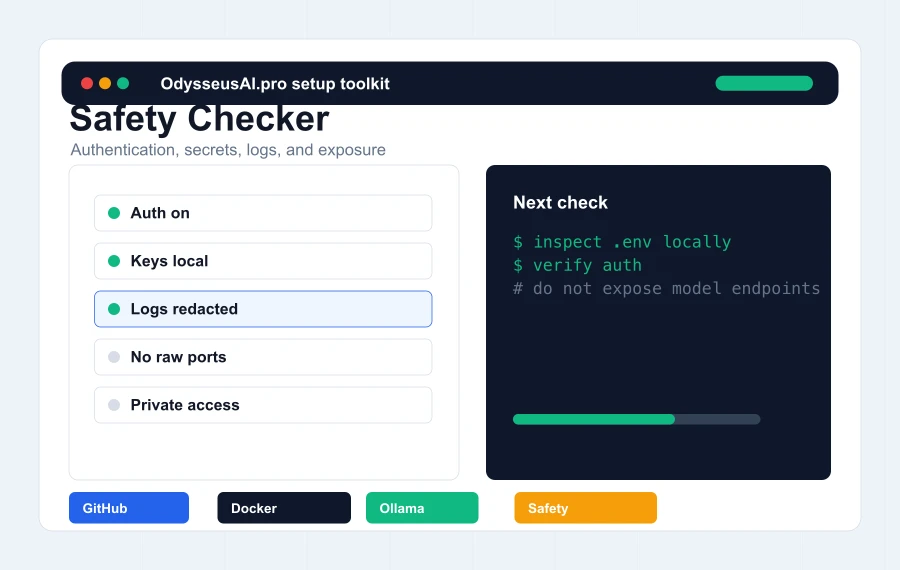
A setup can appear technically successful while still being unsafe. If the app is reachable outside localhost, if authentication is disabled, if API keys are in screenshots, or if logs are being pasted publicly, fix that before using real documents or accounts.
Keep auth on
Authentication should stay enabled while learning the tool. Disabling auth for convenience can turn a local experiment into an exposed control surface.
Keep raw ports private
If remote access is needed, use a trusted access layer. Do not expose the raw Odysseus port, bundled services, model servers, or provider endpoints directly to the public internet.
Sanitize before sharing
Logs can contain usernames, local paths, hostnames, tokens, model endpoints, email addresses, and provider details. Redact them before asking for help.