Windows preflight
Prepare the machine before cloning
Windows users often search odysseus ai download because they expect an installer. The safer first route is source verification, Git, Docker Desktop or Python, and a terminal workflow that can be inspected when something fails.
Install Git for Windows
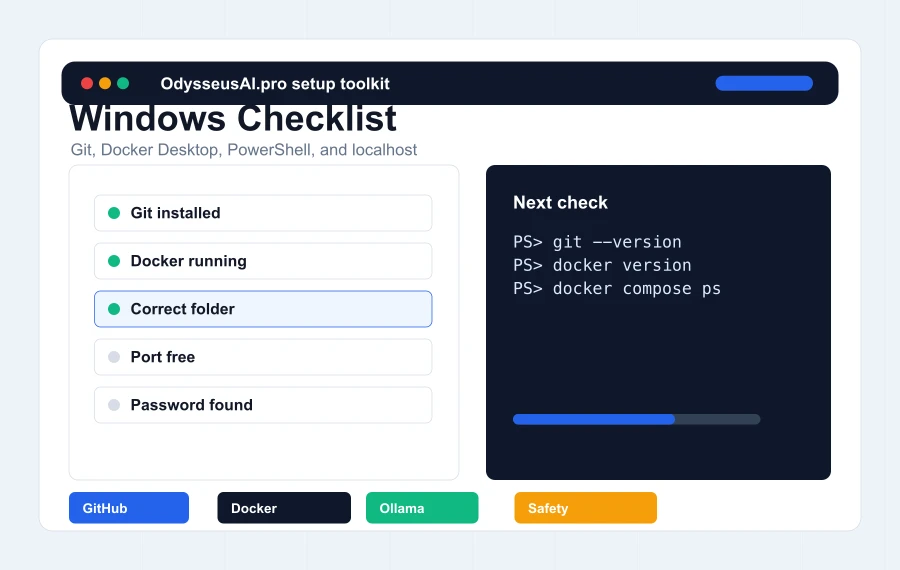
Git is needed for a clean clone path and easier updates. If git is not recognized in PowerShell, restart the terminal after installation or use the Git Bash shell that came with Git for Windows.
Start Docker Desktop before Docker commands
Docker commands can exist while the Docker engine is not running. Open Docker Desktop, wait until it reports that the engine is ready, then run compose commands from the Odysseus project folder.
Use a simple folder path
Avoid deeply nested folders, synced cloud folders, and paths with unusual permissions for the first run. A simple development folder makes command output and troubleshooting easier to follow.
First run
Run commands from the project folder
A frequent Windows mistake is running docker compose logs or docker compose ps from the wrong folder. The command can only see the compose file when the terminal is inside the cloned Odysseus repository.
Clone then enter the folder
After cloning the official repository, use cd odysseus before copying environment files or starting Docker. If the terminal says it cannot find a compose file, the current folder is probably wrong.
Copy the environment file intentionally
The environment file is not just a formality. It controls ports, provider URLs, secrets, and other settings. Keep it private and edit it only when you understand what the setting changes.
Wait for services before opening the browser
A browser error immediately after starting containers can simply mean the service is still building or starting. Use docker compose ps and docker compose logs before deciding the setup failed.
Login
Find the admin password in output or logs
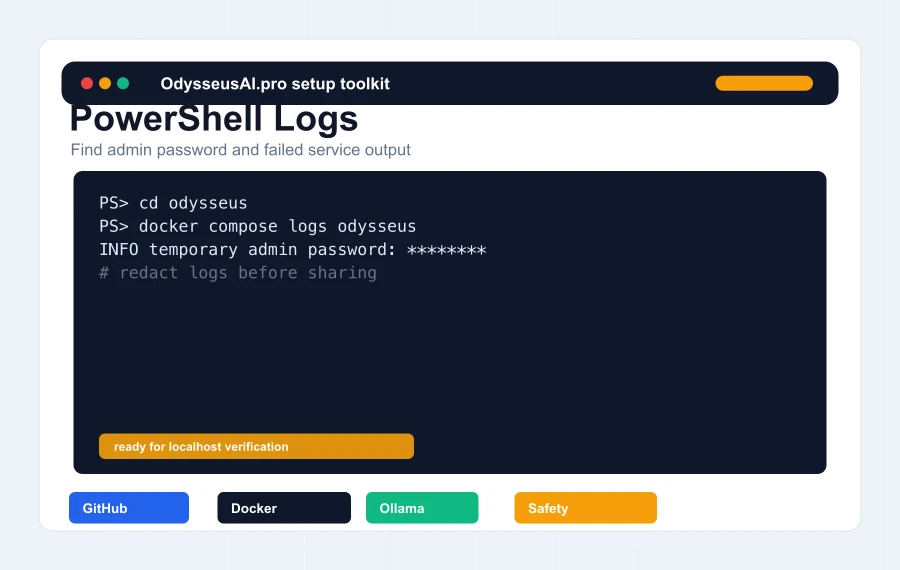
If the login screen appears but the user cannot sign in, the installation may actually be working. The missing step is usually finding the temporary admin password created during first setup.
Check the terminal first
If the app was started in a foreground terminal, scan the output for the admin creation line. Copy the password carefully, including punctuation if present.
Use Docker logs
For Docker, run docker compose logs odysseus from the project folder. This is usually the fastest way to find startup details, password output, and application errors.
Do not reset everything too early
Reinstalling before reading logs often wastes time and can erase clues. Capture the symptom, inspect logs, and only recreate containers when the evidence points to a corrupted state.
Windows failures
Common errors and what they usually mean
Most Windows failures are not mysterious. They usually map to Docker Desktop not running, a port conflict, a missing command, a wrong folder, antivirus interference, a model provider issue, or a hardware limit.
Localhost does not open
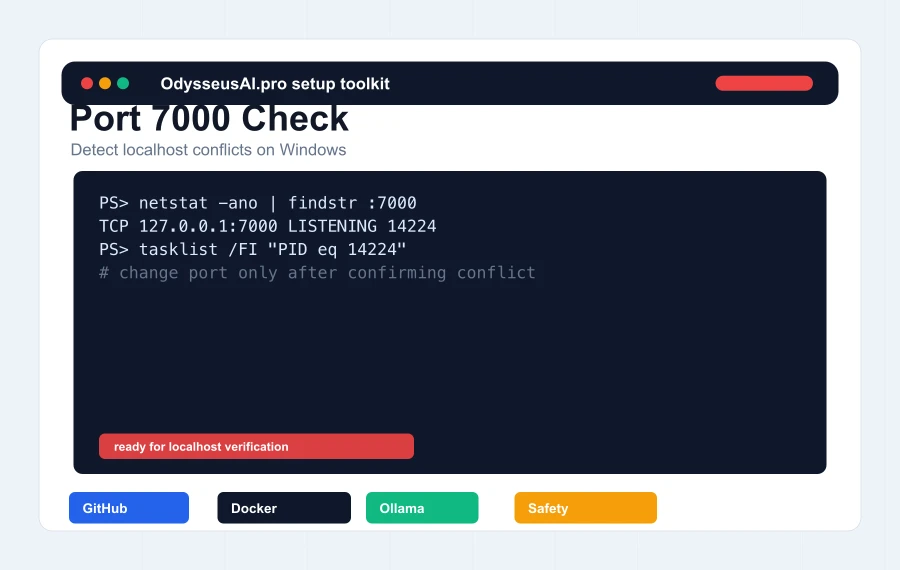
Confirm the container is running and the expected port is in use. If another app owns port 7000, change the application port in the environment file and recreate the container.
Ollama models do not appear
Verify Ollama separately with ollama list. If Odysseus runs in Docker, remember that localhost inside a container is not always the Windows host.
The first chat is slow or fails
Local models can exceed available RAM or VRAM. Start with a small model or an API provider before assuming the workspace is broken.