Official source
Start from GitHub before copying commands
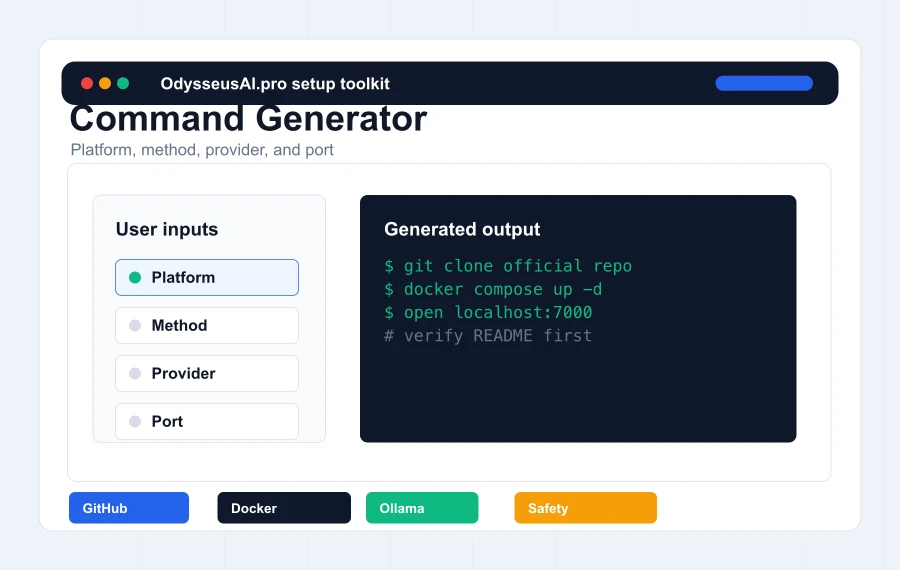
The safest Odysseus AI install path begins with the official repository. This page can generate a practical route, but commands should still be compared against the current README before they are pasted into a terminal.
Why the source check matters
Fast-moving search trends create copied pages and fake download pages. If a guide offers a binary installer, asks for API keys in a web form, or hides the repository path, stop and verify the official GitHub first.
What to check
Check the repository owner, README, recent issues, setup scripts, security notes, and whether the commands still match the current project structure. A small setup change can make an old guide misleading.
What this site does not do
OdysseusAI.pro does not host Odysseus binaries, does not ask for API keys, and does not collect logs. It explains the route and sends users back to the official source when source truth matters.
Install methods
Docker, native Python, Windows, Mac, and Ollama are different layers
Many failed installs come from mixing layers. Docker or native Python starts the Odysseus web app. Ollama or a cloud API provides models. Windows and macOS affect terminals, ports, permissions, and hardware acceleration. Treat those decisions separately.
Docker is a strong first route
Docker is usually easiest to explain because it starts a repeatable stack and gives users standard inspection commands such as docker compose ps and docker compose logs. It is a good default when the goal is simply to open the UI and reach first chat.
Native setup can be better for local performance
Native setup may make sense when Python tooling is familiar, when a user wants less container overhead, or when macOS Apple Silicon local model acceleration matters. It is less forgiving for beginners who do not want to debug Python environments.
Ollama is not the app
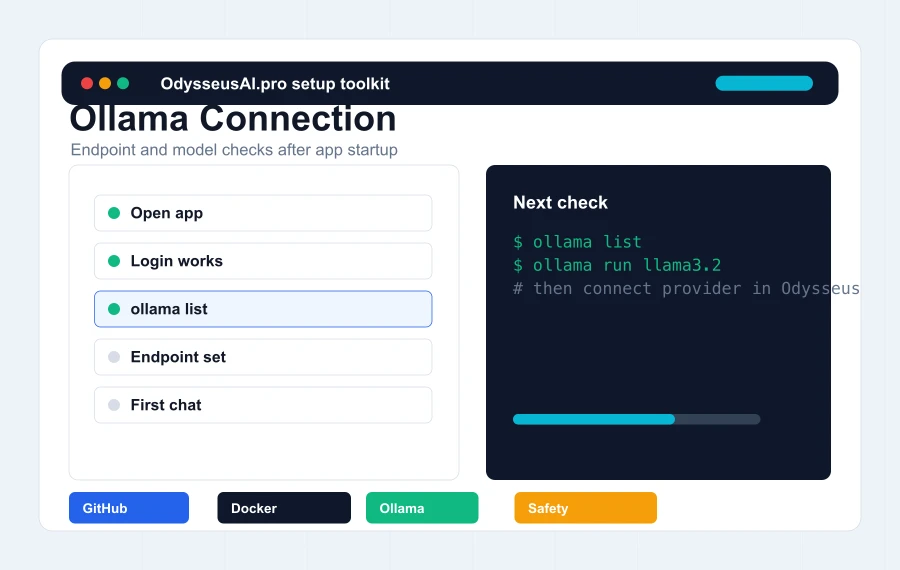
Ollama downloads and serves local models. It does not replace the Odysseus workspace. Get the app running first, then verify Ollama is installed, running, and reachable from the environment where Odysseus runs.
First-run checks
You are done only when first chat works
A command that exits without an obvious error is not the same as a complete install. The first run is complete when the local UI opens, authentication works, a model provider is configured, and a harmless test message gets a response.
Open the expected URL
Docker and native examples commonly use localhost port 7000. Some macOS scripts use a different localhost port. If the browser does not open, check whether the app is running before editing configuration.
Find the temporary admin password
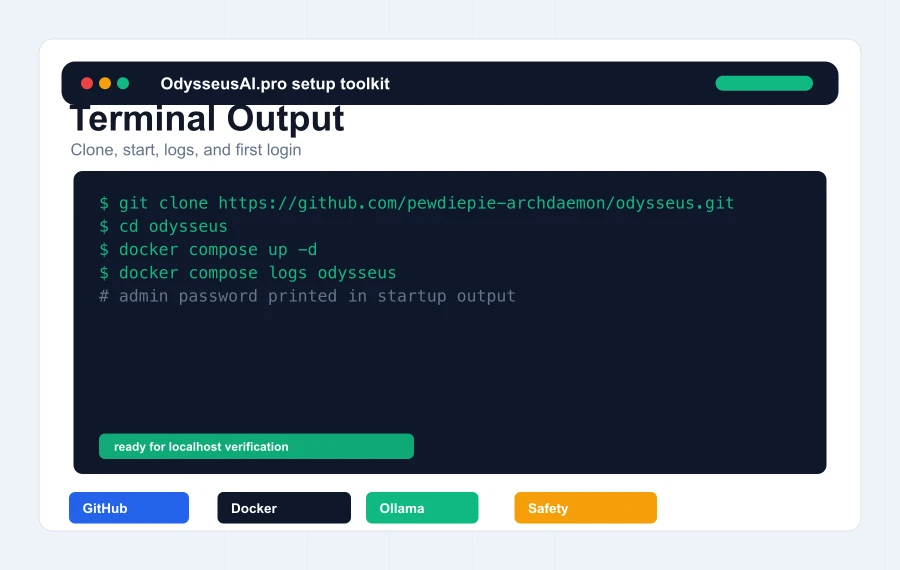
The first admin password is usually printed in terminal output or logs. Docker users should inspect docker compose logs for the application service before assuming login is broken.
Verify the model separately
If Ollama is selected, run a simple Ollama command outside Odysseus first. If a cloud API provider is selected, verify the key and endpoint in the provider console before blaming the workspace.
Safety
Install locally before thinking about remote access
The most conservative install path is local-first. Do not expose raw ports while you are still learning how authentication, tools, API keys, logs, memory, files, and model providers work inside the workspace.
Localhost first
A local browser URL is enough for the first successful run. Public URLs, LAN access, and reverse proxies should come later, after authentication and data boundaries are understood.
Protect environment files
The environment file can contain ports, provider keys, secret tokens, and endpoint URLs. Do not paste it into public issue trackers, random AI tools, or screenshots.
Use private access layers later
If remote access is required, use a trusted layer such as a VPN, Tailscale, Cloudflare Access, or an authenticated reverse proxy. Keep internal services and raw model endpoints private.